Once your project is ready, share it so everyone else at Code Club can see it and play it. Click the Share button at the top of the editor.
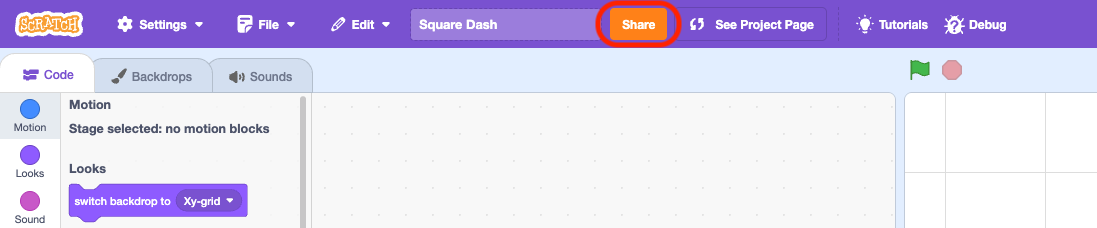
Scratch might ask if you want to share your project with its current thumbnail. Press Yes, I am sure to carry on.
Important: an adult needs to verify your account by email before you’re able to share Scratch projects — see the Join Scratch page if you haven’t done this yet.
Finally, write your name and your project’s number on the sheet so you’re ready to demo it at the end of the session. You can find your project’s number in the address bar of your browser.
