Share your micro:bit project
Note: There is no need to have a MakeCode account to share your project.
📤 Step 1: Click share
Click the share icon in the top-right of the screen.
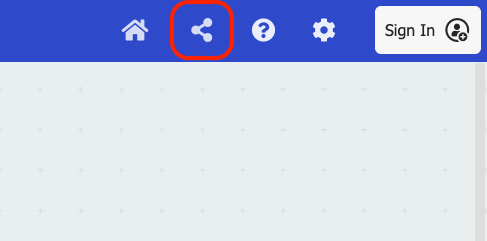
Check that you are happy with your project name and click Share Project.
🔗 Step 2: Share the link
You need to share the link that comes up so you’re ready to demo it at the end of the session.
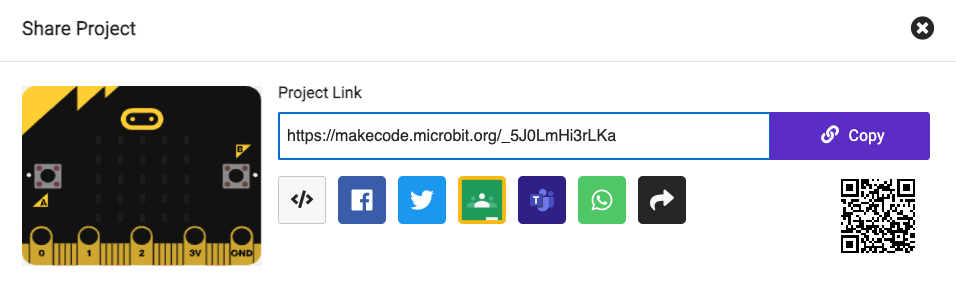
You could either:
- Email the link to codeclub@viboko.dev
- Let someone scan the QR code shown on the screen